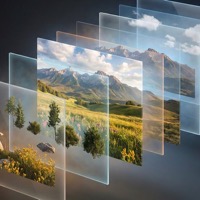
Layer Decomposition
Decompose images into separate RGBA layers. Download as PNGs or PSD.
Workspace
 Drop an image to decomposePNG, JPEG, or WebP up to 10MB
Split images into layers with AI
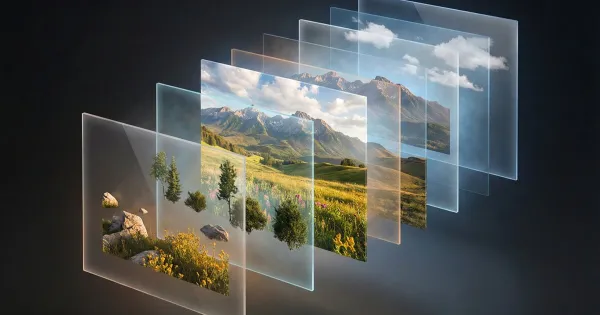
Layer Decomposition splits a finished picture into separate transparent layers — background, objects, characters — so you can move and edit them independently. Choose 2 to 10 layers and an output size of auto, 1K, 1.5K or 2K.
Text Layers mode separates lettering from the image. Download the result as a ZIP of PNG layers or a single PSD that opens in Photoshop and other editors.
How to split an image into layers in 3 steps
Upload an image
PNG, JPEG or WebP up to 10 MB.
Choose a mode
Image layers (2–10) or text layers.
Download the layers
Get PNG layers as a ZIP or a PSD file.
Questions and answers
Can I get a PSD?
Yes — download the layers as one PSD or as a ZIP of PNGs.
How many layers do I get?
Your choice: 2, 3, 4, 5, 6, 8 or 10, with 4 by default.
How much does layer decomposition cost?
You can open the tool and explore its settings without an account. Processing spends credits: new accounts get welcome credits after signing up and confirming their email, and after that you can buy a credit pack or subscribe. The exact cost is shown before you start.