
Camera Angle
Change the camera angle and perspective of any image using AI.
Workspace
 Drop an image herePNG, JPEG, or WebP up to 10MB
Change the camera angle of a photo with AI
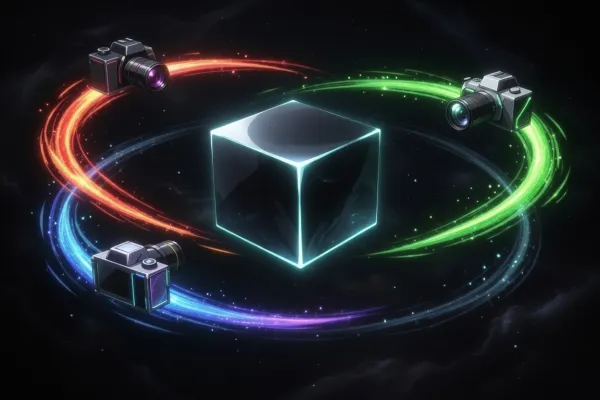
Camera Angle redraws a photo as if it had been shot from another position. Upload one image — a portrait, a product, a room or a character — and place the camera on an interactive 3D control: orbit it a full 360° around the subject, raise or lower it from −30° to 90°, and zoom in or out.
The edit runs on Qwen Image Edit with a Multiple Angles LoRA, which keeps the subject's look, colours and details while filling in the sides the original photo never showed. Each render returns one PNG, so you can try several angles in a row and keep the best; they all stay in the tool's history.
Use it to show a product from several sides, turn a character for a storyboard, or get a fresh shot without a reshoot. No prompt needed — the angle is set with sliders or right on the 3D control.
It works on desktop and mobile with nothing to install. If a view is not quite right, nudge the camera a few degrees and render again — your original photo is never changed.
How to change a photo's angle in 3 steps
Upload a photo
Drop a PNG, JPEG or WebP up to 10 MB, or pick one from your history.
Pick the new angle
Move the camera on the 3D control, or set rotation, elevation and zoom with the sliders.
Generate and download
Click Generate and the new view appears in seconds. Download it or try another angle.
Questions and answers
Which camera angles can I set?
Rotation around the subject from 0 to 360°, elevation from −30° (below) to 90° (overhead), and zoom on a 0–10 scale, by slider or typed value.
Which AI model changes the angle?
Qwen Image Edit 2511 with the Multiple Angles LoRA, trained to move the camera around a scene while keeping the subject recognisable.
Is it free to change a photo's angle?
You can open the tool and explore its settings without an account. Processing spends credits: new accounts get welcome credits after signing up and confirming their email, and after that you can buy a credit pack or subscribe. The exact cost is shown before you start.
Do I need to write a prompt?
No. The angle comes from the 3D control and sliders, so you only choose where the camera goes.
Where are my results saved?
Every render lands in the results strip and stays in the tool's history, ready to download as PNG.